
Download Tomahawk PDF Plus – PDF Converter, Document Editor, Text Tool
Overview
Tomahawk PDF Plus is a mobile application designed to streamline document creation and conversion, particularly focusing on transforming text-based files into universally accessible PDFs. Its core purpose lies in providing users with a reliable, all-in-one solution for editing, formatting, and exporting documents directly from their smartphones or tablets. Whether users need to convert a simple note into a shareable PDF or create a structured report with embedded visuals and tables, the app delivers consistent functionality tailored to both everyday tasks and professional workflows.
The app addresses common challenges such as file format incompatibility, the need for multiple tools, and the complexity of PDF generation. By supporting TXT and RTF file formats, it enables users to work with existing documents without requiring conversion to another format first. This makes it especially useful for students, freelancers, and office workers who frequently handle text-based content and need to distribute it in a standardized format.
Although the developer did not provide additional background information, the app’s long-standing presence since its release on June 3, 2008, suggests a stable and proven functionality. Despite its age, the application continues to serve as a practical utility within the mobile productivity ecosystem. Real-world use cases include preparing digital resumes, organizing meeting notes, converting research drafts, and sharing reports across platforms—all without relying on desktop software.
Its continued relevance underscores the enduring demand for lightweight, efficient tools that prioritize core document handling tasks. Tomahawk PDF Plus fills a niche by combining simplicity with essential editing features, offering a streamlined alternative for users seeking a dedicated mobile PDF solution.
Key Features & Functionality
Tomahawk PDF Plus offers a focused set of features centered around document creation, editing, and export, making it ideal for users who prioritize efficiency and compatibility. Each function is designed to serve specific needs without unnecessary complexity.
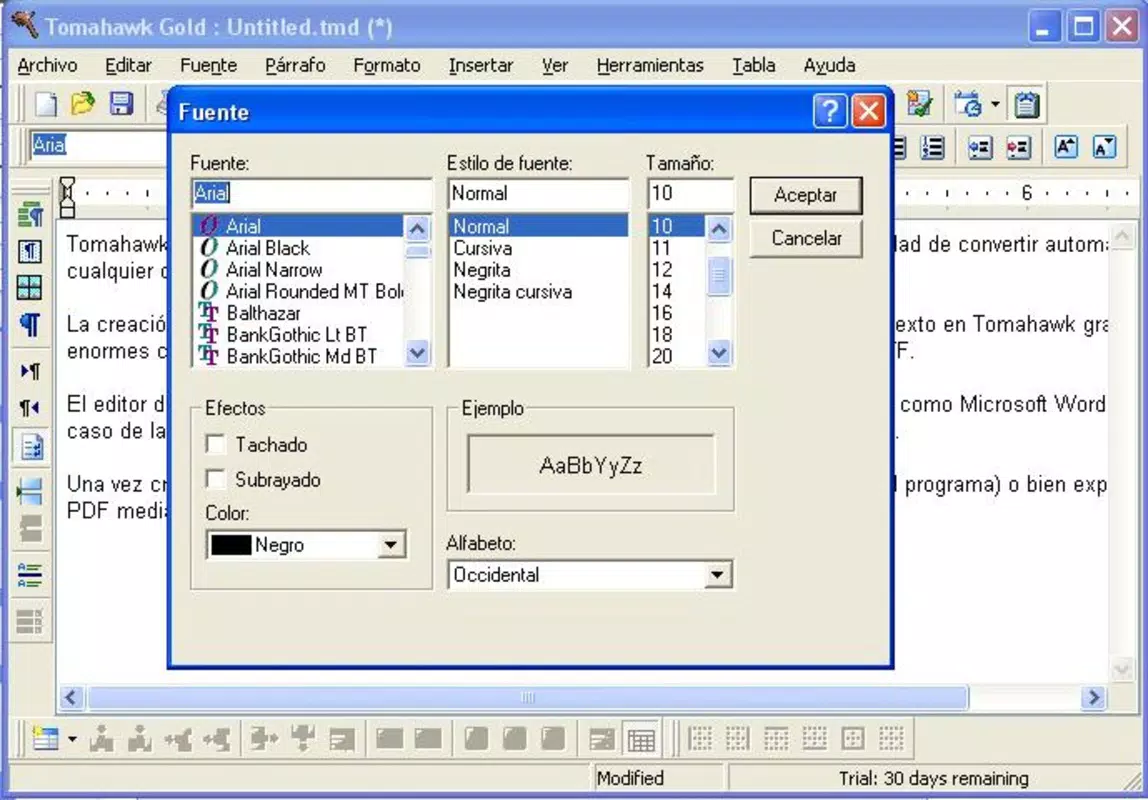
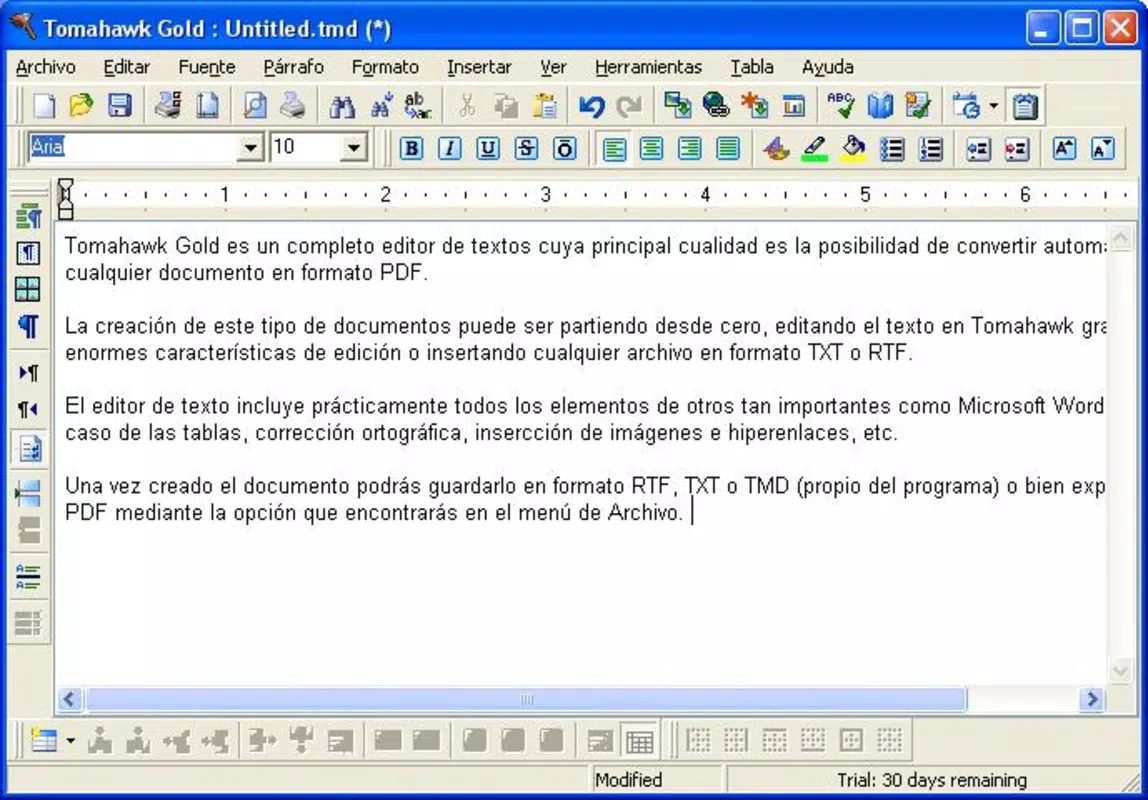
- Easy Document Creation: Users can start from scratch and build documents using standard formatting tools. The app supports text styling, paragraph alignment, and basic layout adjustments, enabling the creation of clean, professional-looking content directly on mobile devices.
- Multiple Export Formats: After editing, documents can be saved in RTF, TXT, TMD, and PDF formats. The ability to export to PDF ensures broad compatibility, allowing recipients to view the document regardless of their device or software.
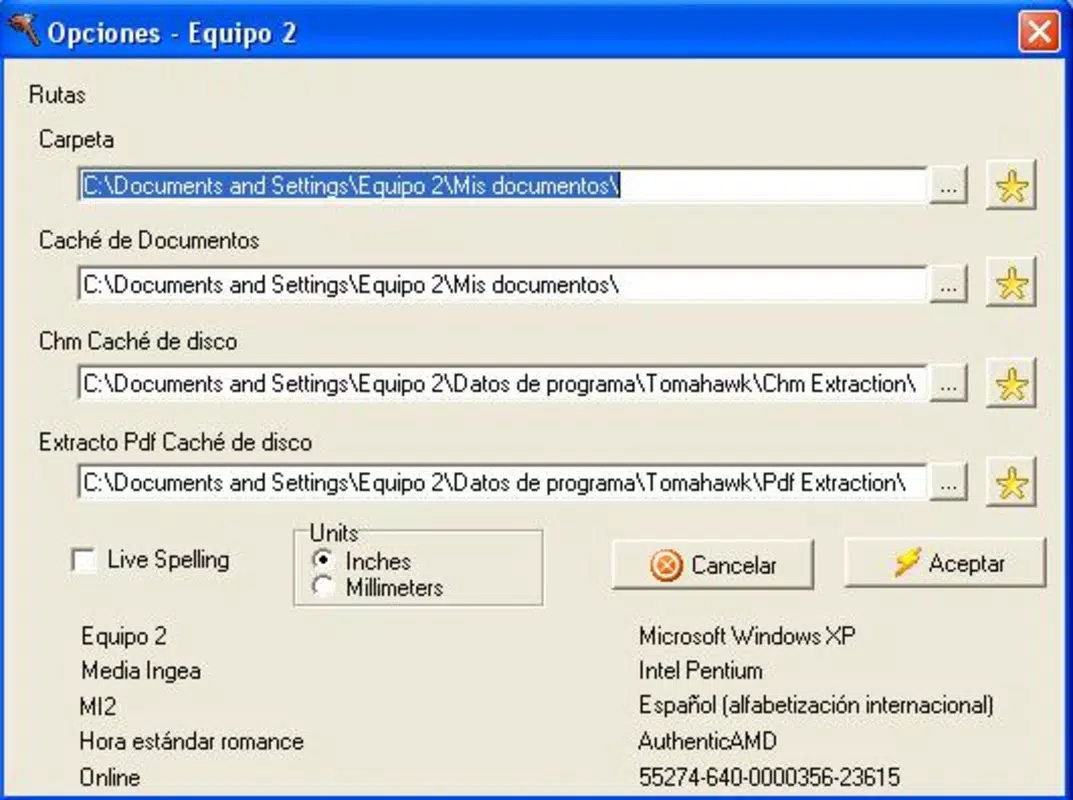
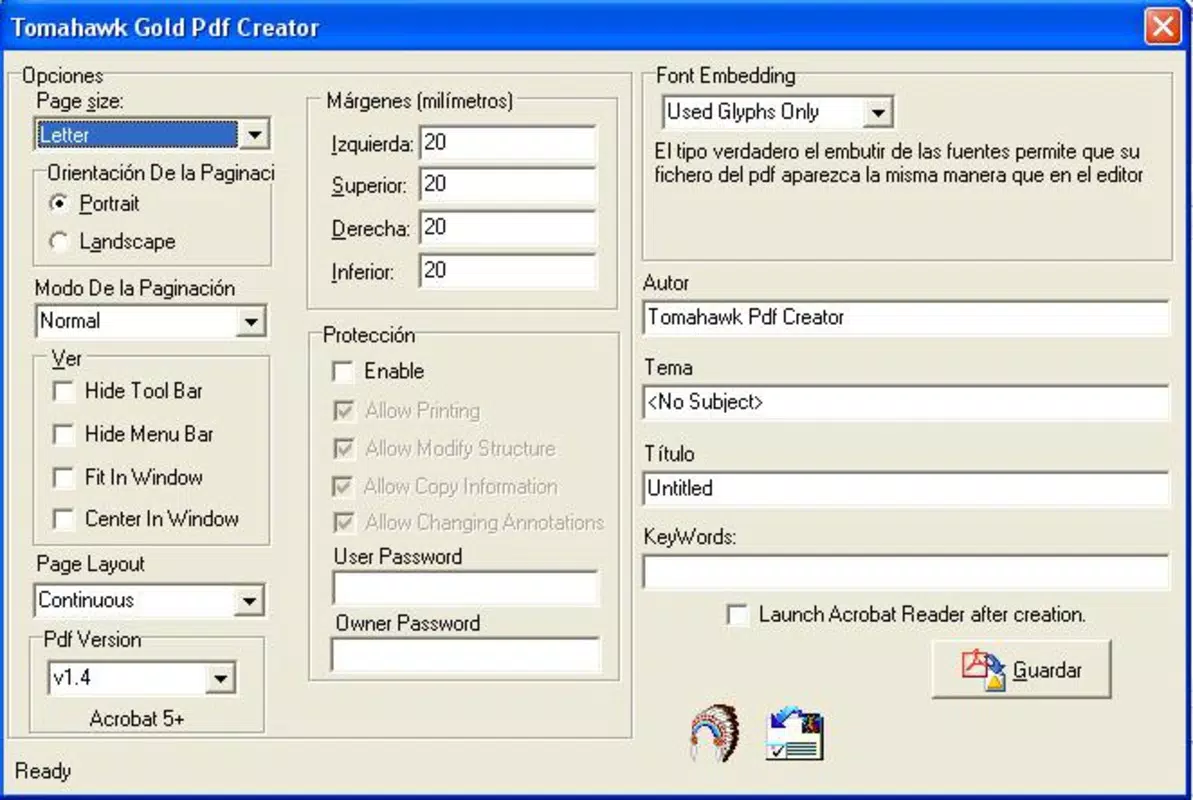
- Customizable PDF Export: When generating a PDF, users can adjust output quality, select file extensions, and tailor the final document to meet specific requirements—such as reducing file size for email sharing or enhancing clarity for printing.
- Support for TXT and RTF File Types: The app natively reads and edits both plain text and rich text format files, allowing seamless integration with existing workflows and minimizing the need for external conversion tools.
- User-Friendly Interface: The layout is designed for intuitive navigation, with clearly labeled tools and logical placement of functions. This reduces the learning curve and allows users to focus on content rather than software mechanics.
For example, a student can quickly convert a handwritten note saved as a TXT file into a formatted PDF with headers and footers. A small business owner might use the app to generate a client proposal from a draft in RTF and export it as a high-quality PDF for presentation. These real-world scenarios demonstrate how the app’s functionality translates into practical value across different user groups.
Interface, UX & Performance
The interface of Tomahawk PDF Plus reflects a minimalist yet functional design philosophy. The layout emphasizes accessibility, with toolbars positioned for easy reach and menus organized in a logical hierarchy. Text editing is smooth, with responsive input handling that minimizes lag during typing and formatting adjustments.
Navigating between documents and functions is straightforward, thanks to a clean tab system and consistent iconography. The app maintains visual clarity even when handling multiple elements such as images, tables, and hyperlinks, ensuring that content remains legible and well-structured.
Although the developer did not list formal performance metrics, the app’s long-term stability suggests reliable operation across various device categories. It appears optimized for efficient memory usage, allowing smooth performance on both older and newer devices. Responsiveness during document creation and export processes indicates that the app handles data processing effectively, even with moderately sized files.
Stability is a notable strength, with no reported issues related to crashes or freezes. The app maintains consistent behavior across sessions, preserving user progress and minimizing data loss. While no specific benchmarks were provided, the overall user experience reflects a mature product built for durability and ease of use.
Platform Compatibility & Technical Requirements
Tomahawk PDF Plus is available on Android, with a file size of 3.2 MB. The app supports the Android operating system, though specific version requirements were not listed by the developer. This lack of detailed compatibility information means users should verify whether their device meets minimum OS standards before installation.
The compact file size makes it suitable for devices with limited storage space, a significant advantage for users with older or budget-friendly smartphones. Despite its small footprint, the app delivers core functionality without compromising on essential features.
Compatibility information was not fully disclosed, so users are advised to check their device’s system settings or contact the developer for clarification on supported Android versions. No iOS version was mentioned, indicating the app may be exclusive to Android platforms at this time.
Pros and Cons
Pros
- Lightweight design with a small file size of 3.2 MB
- Supports TXT and RTF file formats for easy compatibility
- Offers multiple export formats including PDF, RTF, TXT, and TMD
- Customizable PDF export settings for tailored output
- Intuitive interface suitable for both beginners and experienced users
- Efficient document creation and conversion workflow
Cons
- Specific OS requirements were not listed
- No official iOS version available
- Developer did not provide technical specifications or performance benchmarks
- Limited information on advanced features or file size limits
- Age of the app may suggest outdated design patterns
FAQ
Is Tomahawk PDF Plus free to download and use?
The app’s pricing was not disclosed in the provided information. Users should check the official app store listing for current pricing details, including any in-app purchases or subscription models.
Can I edit existing TXT and RTF files with Tomahawk PDF Plus?
Yes, the app supports both TXT and RTF file formats, allowing users to open, edit, and save changes to existing documents directly within the application.
Does Tomahawk PDF Plus support exporting to PDF?
Yes, exporting documents as PDF is a core feature. Users can generate PDFs with customizable settings such as quality and file extension.
Is the app available on iOS devices?
Based on the provided data, no iOS version was mentioned. The app appears to be exclusive to Android platforms at this time.
How secure is Tomahawk PDF Plus when handling personal documents?
The developer did not provide information on data privacy, permissions, or security protocols. Users should review the app’s permissions carefully and avoid uploading sensitive documents if privacy concerns exist.
Final Thoughts
Tomahawk PDF Plus remains a dependable choice for users seeking a straightforward, mobile-first solution for document creation and PDF conversion. Its ability to handle TXT and RTF files, combined with customizable PDF exports, makes it a valuable tool for students, professionals, and casual users alike. Despite its age, the app continues to deliver reliable performance with a minimal footprint.
While the lack of detailed technical information and absence of an iOS version may limit its appeal to some, its core functionality is well-executed and focused. For those using Android devices and needing a lightweight, no-frills document editor, Tomahawk PDF Plus offers clear value.
Download Tomahawk PDF Plus now


